

An Doctor’s Note for an Ergonomic Chair is medical documentation that may be provided by a licensed healthcare professional after evaluating a patient’s symptoms, medical history, and work-related limitations. It can explain why an employee may need an ergonomic chair, improved workstation setup, or temporary workplace accommodation when sitting for extended periods contributes to discomfort or affects their ability to perform essential job duties.
For people who work at a computer, spend long hours seated, or experience back, neck, shoulder, or other musculoskeletal discomfort, an appropriately adjusted workstation can be an important part of maintaining a comfortable working position. The U.S. Occupational Safety and Health Administration (OSHA) notes that a properly designed and adjusted chair can support the back, legs, arms, and other parts of the body while reducing exposure to awkward postures.
A healthcare provider can determine whether an ergonomic chair or another workplace adjustment is medically appropriate for an individual situation. A doctor’s note may describe functional limitations or recommended accommodations without unnecessarily disclosing detailed medical information.
Related Doctor Note :——
You can also visit:
- Doctors Note for Limited Work
- Doctors Note for Back Pain
- Doctor’s Note for Injury
- Doctor’s Note for Work From Home
- Unlimited Doctor’s Notes for 1 Year
Printable Doctor’s Note for an Ergonomic Chair
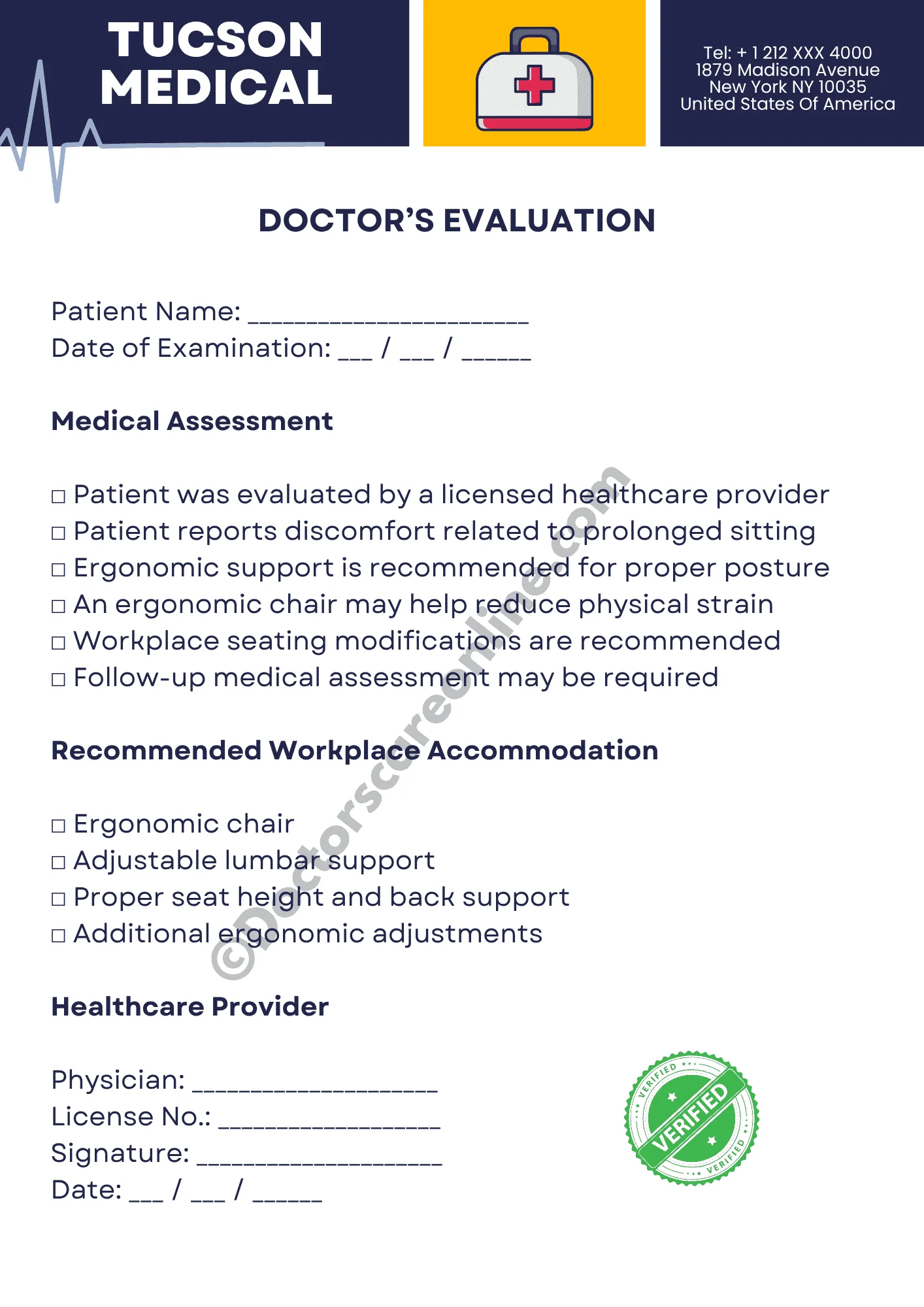
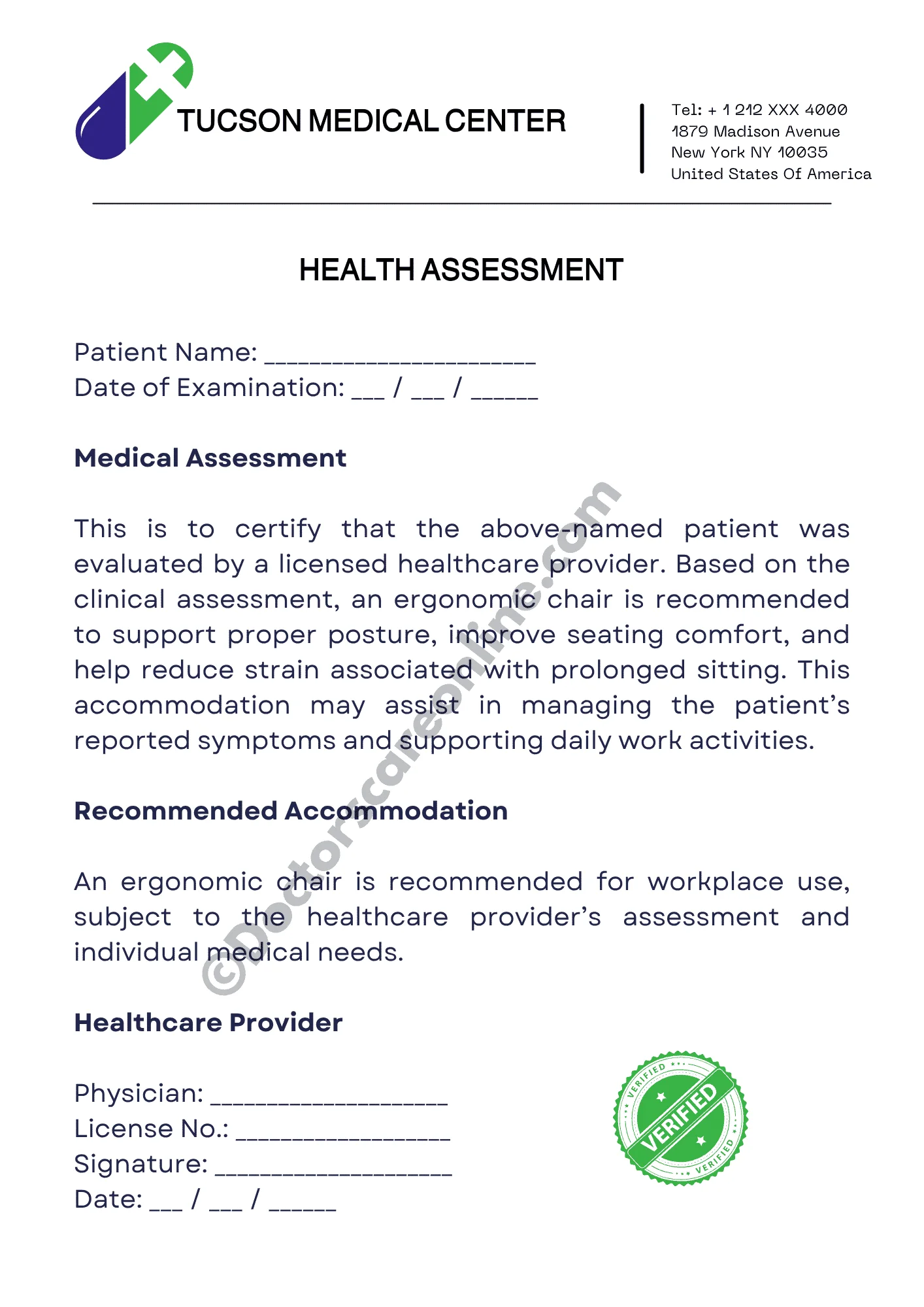
A doctor’s note for an ergonomic chair is a form of medical documentation that may support a request for an appropriate seating arrangement at work.
Depending on the patient’s circumstances, the healthcare provider may recommend:
- An ergonomic or adjustable office chair
- Appropriate lumbar support
- A chair that provides adequate back support
- An adjustable seat height
- Suitable arm support
- Changes to the workstation setup
- Temporary or ongoing seating accommodations
- Additional breaks or changes in working position when medically appropriate
- An occupational health or in-person evaluation when necessary
The exact recommendation depends on the healthcare provider’s clinical assessment. An ergonomic chair should not be treated as a universal medical solution because the appropriate workstation setup varies from person to person.
Why Might Someone Need an Ergonomic Chair at Work?
Sitting for long periods in an unsuitable workstation can contribute to discomfort and fatigue, particularly when the chair, desk, monitor, keyboard, or other equipment is poorly positioned.
An employee may discuss an ergonomic chair with a healthcare provider when:
- Existing seating does not adequately support the lower back.
- Prolonged sitting causes or worsens discomfort.
- A medical condition makes certain seated positions difficult.
- The employee needs improved lumbar support.
- Current seating contributes to awkward posture.
- The person’s symptoms interfere with normal work activities.
- A healthcare provider believes a workstation modification may help accommodate functional limitations.
- The employee has been advised to modify their workstation as part of a broader treatment or recovery plan.
OSHA recommends that a workstation be adjusted to support neutral body positioning, including appropriate support for the back and feet. It also emphasizes that there is no single workstation arrangement that fits every person.
Who May Benefit From an Ergonomic Chair Recommendation?
An ergonomic seating recommendation may be considered for people whose work requires prolonged computer use or extended periods of sitting.
Examples may include:
- Office employees
- Employees who spend much of the workday at a desk may benefit from appropriately adjustable seating.
- Remote and work-from-home employees
- A suitable chair may be particularly relevant when a home workstation has limited ergonomic support.
- Call-center and customer-service employees
- Employees who remain seated for long periods may experience discomfort if their chair or workstation is poorly adjusted.
- Computer and technology professionals
- Extended computer work can involve prolonged sitting and repetitive workstation activities.
- Students or trainees
- In certain settings, prolonged desk work may make suitable seating important for comfort and functional needs.
- Employees with medically documented limitations
- A healthcare provider may recommend specific seating or workstation adjustments when clinically appropriate.
How Can an Ergonomic Chair Help a Workstation?
A well-adjusted ergonomic chair can help provide appropriate support and allow the user to maintain a more neutral working position.
Important chair features may include:
| Chair Feature | Why It May Matter |
|---|---|
| Adjustable seat height | Helps accommodate the user’s body size and workstation height |
| Lumbar support | Supports the lower-back area |
| Adjustable backrest | Allows the backrest to better fit the user’s seated position |
| Appropriate seat depth | Helps support the thighs without placing pressure behind the knees |
| Adjustable armrests | Can support the forearms while allowing the shoulders to remain relaxed |
| Stable base | Helps provide secure support while sitting and moving the chair |
| Appropriate cushioning | Can improve sitting comfort |
| Adjustable controls | Allow the chair to be customized to the individual |
OSHA specifically identifies adjustable lumbar support, appropriate seat dimensions, adjustable height, suitable armrests, and a stable five-leg base as considerations when evaluating computer workstation seating.
An ergonomic chair should also be considered together with the rest of the workstation rather than viewed as an isolated solution.
Ergonomic Chair and Proper Workstation Setup
A doctor’s note may recommend an ergonomic chair, but the overall workstation setup can also matter.
A practical workstation assessment may consider:
- Chair: The back and lower back should have appropriate support.
- Feet: Feet should be supported by the floor or a stable footrest when necessary.
- Desk: The desk should allow comfortable positioning of the arms and legs.
- Monitor: The monitor should be positioned so the user does not need to repeatedly bend or tilt the neck.
- Keyboard: The keyboard should allow the hands and wrists to remain in a comfortable position.
- Mouse: Frequently used input devices should be positioned within easy reach.
- Arm position: Elbows should remain reasonably close to the body and shoulders relaxed.
- Posture changes: Employees should avoid remaining completely stationary in one position for prolonged periods.
OSHA recommends arranging computer workstations to support neutral positioning and changing working positions throughout the day rather than maintaining one static posture continuously.
When Should You Talk to an Online Doctor About an Ergonomic Chair?
An online medical consultation may be worth considering when discomfort or a physical limitation is interfering with your ability to work comfortably and you want professional guidance about whether a workplace modification may be appropriate.
You may discuss:
- Lower-back discomfort
- Neck or shoulder discomfort
- Pain associated with prolonged sitting
- Difficulty maintaining a comfortable seated position
- A previous injury affecting your ability to sit
- A medical condition that affects your workstation needs
- The need for temporary workplace modifications
- Whether an ergonomic chair may be appropriate for your circumstances
An online doctor can determine whether your symptoms can be appropriately assessed through telehealth. If an in-person physical examination, imaging, testing, or specialist evaluation is needed, the provider may recommend an appropriate next step.
How to Get a Doctor’s Note for an Ergonomic Chair Online
The process generally begins with a legitimate medical consultation rather than simply requesting a document.
Step 1: Choose an Online Medical Service
- Select a telehealth service that connects patients with appropriately licensed healthcare professionals and clearly explains its consultation process.
Step 2: Register or Log In
- Create an account or sign in using the information requested by the platform.
Step 3: Select an Appropriate Appointment
- Choose an available online doctor or healthcare provider according to the service’s available specialties and your medical needs.
Step 4: Explain Your Workstation Concerns
During the consultation, explain:
- How long you typically sit each day
- What type of work you perform
- What symptoms you experience
- When the symptoms occur
- Whether sitting makes them worse
- What type of chair you currently use
- Whether you have tried any workstation adjustments
- How the issue affects your ability to perform your work
Step 5: Complete the Medical Evaluation
- The healthcare provider reviews your symptoms and relevant medical history and determines whether the issue can be appropriately evaluated through the online consultation.
Step 6: Follow the Provider’s Recommendation
- The provider may recommend ergonomic changes, treatment, an in-person assessment, or another appropriate course of care.
Step 7: Receive Documentation When Medically Appropriate
- If the healthcare provider determines that an ergonomic chair or workplace accommodation is medically appropriate, they may provide documentation consistent with their clinical judgment and applicable requirements.
A doctor’s note is not automatically guaranteed simply because a patient requests one. Medical documentation should be based on an appropriate healthcare evaluation.
What Information Should You Share With the Online Doctor?
Providing specific and honest information can help the healthcare provider understand your situation.
Before your appointment, consider preparing:
- The date your symptoms began
- The location of discomfort
- Whether symptoms are constant or intermittent
- What activities make symptoms worse
- How many hours you spend sitting
- Your typical work schedule
- Your current chair and workstation setup
- Any previous injuries or relevant medical conditions
- Current treatments or medications
- Any previous medical recommendations
- Whether you have already tried changing your chair or workstation
You should also explain what you are requesting from your workplace, if known, such as an ergonomic chair, lumbar support, modified workstation, or another accommodation.
What Can an Ergonomic Chair Doctor’s Note Include?
The contents of medical documentation vary according to the provider, the patient’s circumstances, and the requirements of the organization receiving the documentation.
A note may include:
- Patient’s name
- Date of medical evaluation
- Confirmation that the patient was evaluated
- General functional limitations when appropriate
- Recommended workplace accommodation
- Recommendation for an ergonomic chair or seating modification
- Duration of the recommendation, when applicable
- Follow-up instructions
- Healthcare provider’s name and professional information
- Signature or other appropriate verification
A medical note does not necessarily need to provide an extensive diagnosis. The amount of medical information included depends on what is clinically appropriate and what is required for the specific situation.
Does an Ergonomic Chair Doctor’s Note Have to Mention the Diagnosis?
Not necessarily.
A healthcare provider may focus the documentation on the functional need or workplace recommendation rather than providing unnecessary medical details.
For example, documentation may address:
- The need for appropriate lumbar support
- A recommendation for an adjustable chair
- The need to modify a workstation
- A temporary seating restriction
- A recommendation to change positions periodically
The exact content should be determined by the healthcare provider. Patients should never alter, rewrite, or add information to a medical document after it has been issued.
Ergonomic Chair vs. General Office Chair
Not every office chair provides the same level of adjustability or support.
| Feature | Basic Office Chair | Adjustable Ergonomic Chair |
|---|---|---|
| Seat height adjustment | May be available | Usually adjustable |
| Lumbar support | May be limited | Often adjustable |
| Backrest adjustment | May be limited | Often available |
| Armrest adjustment | Depends on model | Commonly available |
| Seat depth adjustment | Less common | Available on some models |
| Individual customization | Limited | Greater flexibility |
| Workstation compatibility | Varies | Designed for greater adjustability |
The term “ergonomic” does not automatically mean that a particular chair is medically necessary or suitable for every person. The appropriate choice depends on the individual’s body dimensions, workstation, tasks, comfort, and any relevant medical recommendations.
How Long Can an Ergonomic Chair Recommendation Last?
There is no universal validity period for an ergonomic chair recommendation.
The duration may depend on:
- The reason for the recommendation
- Whether symptoms are temporary or ongoing
- The healthcare provider’s assessment
- Whether the recommendation is temporary or intended for ongoing use
- Employer or workplace procedures
- Whether follow-up evaluation is required
For example, a healthcare provider may recommend an accommodation temporarily while a person recovers from an injury, or may recommend a workstation modification for an ongoing functional limitation.
If circumstances change, a follow-up evaluation may be appropriate.
Can an Employer Ask for Medical Documentation?
Workplace requirements vary across employers and circumstances. Some organizations may have policies governing medical documentation for workplace accommodations or modified duties.
An employer may have its own process for:
- Reviewing medical documentation
- Requesting clarification where legally appropriate
- Evaluating workplace accommodations
- Determining how restrictions can be implemented
- Requesting updated documentation when circumstances change
Employees should review their workplace policies and communicate with the appropriate HR or workplace accommodation department when necessary.
Medical documentation should accurately reflect the healthcare provider’s professional assessment.
How Our Online Doctor Service Can Help
Finding the right information and completing an online medical consultation should be straightforward.
Our platform is designed to help users access an online medical consultation process without unnecessarily complicated steps. Users can explain their concerns, provide relevant information about their symptoms and workplace situation, and connect with a healthcare professional through the available online appointment process.
Depending on the provider’s assessment, the consultation may help determine whether:
- Your symptoms can be appropriately evaluated through telehealth
- An in-person examination is necessary
- An ergonomic chair or workstation modification may be appropriate
- Temporary restrictions should be considered
- Follow-up care may be needed
- Medical documentation is appropriate
The goal is to connect users with a legitimate medical evaluation rather than encourage anyone to obtain documentation without clinical assessment.
Need Help With Registration, Login, Payment, or Your Order?
If you experience a problem while using the website, you do not have to figure everything out on your own.
You can use the website chatbox to ask questions or request help with issues such as:
- Registration problems
- Login difficulties
- Appointment-related questions
- Payment issues
- Checkout problems
- Questions about the consultation process
- General website navigation
- Other service-related queries
When contacting support, avoid sharing unnecessary sensitive medical information in a general chat. If a healthcare provider needs medical details, provide them through the appropriate secure medical consultation process.
Why Users Can Trust Our Online Doctor Service
When choosing an online medical service, users should look beyond convenience and consider whether the service clearly explains how medical consultations and documentation work.
Our service is designed around a medical-evaluation-first approach:
- Professional evaluation: Medical documentation should follow an appropriate healthcare assessment.
- Transparent process: Users can understand the steps involved in booking an online consultation.
- Patient-focused communication: Users can explain their symptoms and workplace concerns to the healthcare provider.
- Privacy-conscious documentation: Medical notes should contain information appropriate to the purpose of the documentation.
- Support availability: Users can contact the website chatbox if they experience registration, login, payment, or other service-related problems.
- Appropriate medical guidance: If telehealth is not suitable for a particular condition, the healthcare provider may recommend in-person care or another appropriate option.
- No guaranteed medical outcome: A consultation does not guarantee that a doctor’s note or specific accommodation will be issued. That decision belongs to the healthcare provider.
Trustworthy online healthcare should prioritize appropriate clinical assessment rather than treating medical documentation as something that can simply be obtained on request.
What If an Online Doctor Says You Need an In-Person Evaluation?
Not every medical concern can be fully assessed through a video or online consultation.
A provider may recommend an in-person appointment if:
- A physical examination is necessary
- Symptoms require additional evaluation
- The condition appears more serious than initially expected
- Imaging or laboratory testing may be needed
- The provider cannot safely make a clinical determination remotely
- Your symptoms are worsening or include concerning warning signs
Following that recommendation is important because an online consultation should not replace in-person medical care when physical assessment is clinically necessary.
When Back or Neck Symptoms Need Prompt Medical Attention
An ergonomic chair request should not distract from potentially serious symptoms.
Seek appropriate urgent or emergency medical care when symptoms are severe or rapidly worsening, particularly when accompanied by concerning neurological symptoms, significant weakness, loss of bladder or bowel control, serious trauma, or other emergency warning signs.
An ergonomic workstation is intended to support workplace comfort and function; it is not a substitute for diagnosing or treating a potentially serious medical condition.
Practical Ergonomic Workstation Checklist
Use the following checklist as a general workstation guide:
| Check | What to Look For |
|---|---|
| Chair | Back and lower back adequately supported |
| Seat height | Allows stable foot support |
| Seat depth | Does not place excessive pressure behind the knees |
| Armrests | Allow comfortable arm support without raising the shoulders |
| Monitor | Positioned to reduce unnecessary neck bending |
| Keyboard | Allows comfortable hand and wrist positioning |
| Mouse | Easy to reach without excessive shoulder movement |
| Feet | Supported by floor or stable footrest |
| Posture | Head, shoulders, arms, and back comfortably aligned |
| Movement | Ability to change position during the workday |
OSHA emphasizes that workstation setup should be individualized and that users should have opportunities to change positions rather than remaining in one posture for prolonged periods.
What If the Chair Alone Does Not Solve the Problem?
An ergonomic chair may be only one part of a larger workstation adjustment.
Depending on the situation, a healthcare provider or qualified workplace ergonomics professional may consider:
- Desk height
- Monitor position
- Keyboard placement
- Mouse location
- Foot support
- Lighting
- Work habits
- Frequency of position changes
- Workstation layout
- Job-specific physical demands
A chair should therefore be evaluated as part of the complete workstation rather than as a guaranteed treatment for pain.
Key Takeaways
- An ergonomic chair may be recommended when appropriate seating is relevant to a person’s medical or functional needs.
- A doctor’s note should be based on an appropriate evaluation by a licensed healthcare provider.
- Online consultations may be suitable for some concerns, but an in-person evaluation may be necessary in other situations.
- An ergonomic chair is only one component of a properly arranged workstation.
- Adjustable lumbar support, seat height, seat depth, armrests, and appropriate foot support can be important workstation considerations.
- Employees should follow their employer’s process for workplace accommodations or medical documentation.
- Users should never edit or falsify medical documentation.
- If an online provider determines that a condition cannot be safely assessed remotely, the user should follow the recommendation for in-person care.
Frequently Asked Questions
1. Can an ergonomic chair be considered a workplace accommodation?
It may be considered as a workplace accommodation in some circumstances, depending on the employee’s individual needs, medical documentation, applicable laws, and the employer’s accommodation process. A healthcare provider can assess whether a particular workplace modification is medically appropriate.
2. What should I tell my doctor if my office chair is causing discomfort?
Explain how long you sit, where you experience discomfort, when symptoms occur, what movements or positions make them worse, what your current workstation looks like, and how the symptoms affect your work. Accurate information helps the provider determine what type of evaluation or recommendation may be appropriate.
3. Can I request an ergonomic chair without having a medical condition?
Workplace ergonomic improvements do not necessarily require a medical diagnosis. However, if you are seeking medical documentation specifically to support an accommodation, a healthcare provider should determine whether medical documentation is appropriate for your circumstances.
4. Is an ergonomic chair a treatment for back pain?
An ergonomic chair is not a treatment for every cause of back pain. Appropriate seating and workstation adjustments may improve comfort or reduce exposure to awkward postures, but persistent or significant symptoms should be evaluated by a healthcare professional.
5. Can an online doctor determine whether my workstation needs to be changed?
An online healthcare provider may be able to discuss your symptoms, work situation, and workstation concerns and determine whether telehealth is appropriate. Depending on the circumstances, the provider may recommend a workstation modification, further evaluation, or an in-person assessment.
Medical Disclaimer: This content is provided for general educational and informational purposes only and is not a substitute for professional medical advice, diagnosis, or treatment. A doctor’s note should only be issued by a licensed healthcare provider following an appropriate medical evaluation. The availability of telehealth, workplace accommodations, medical documentation, and specific requirements may vary by state, employer, healthcare provider, and individual circumstances.





Reviews
There are no reviews yet.